
Ripper Casino Login
Sign in to Ripper Casino in seconds and get straight back to your games.
Games at Ripper Casino






Full Game Catalog






Accessing your Ripper Casino account is quick and easy for Australian players. This guide explains the login form, password recovery, locked accounts and mobile access. Your account operates in AUD, and live chat support is available 24/7.
How to Log In: Step-by-Step
At Ripper Casino, your email address acts as your username. To verify your sign-up, confirm your email and provide your date of birth. Ensure your email is confirmed before you try to log in.
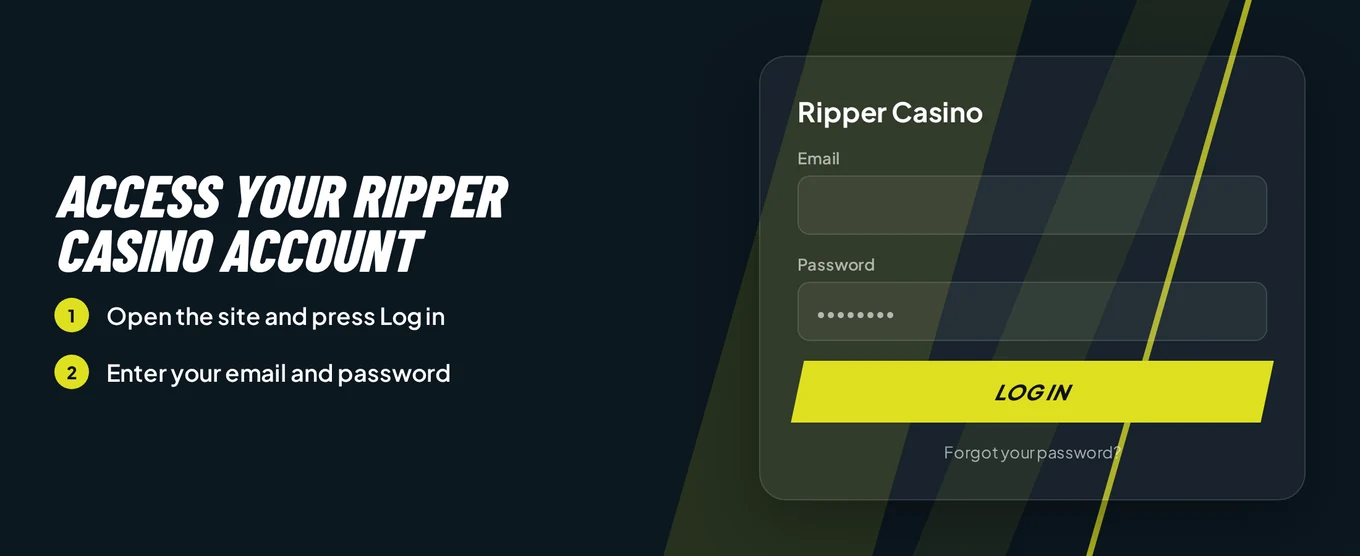
Visit the Ripper Casino site and click the Log In button.
Input the email address you used when registering.
Enter your password. Check that Caps Lock is not active.
Submit the form to log in.
Two-factor authentication is not standard here. Your password and verified email are your sole login details, so protect them.
Login Problems and Fixes
Login issues often come from a typo, unconfirmed email or old browser data. Start with the first steps in the table, as they fix most problems.
| Problem | Likely Cause | Quick Fix |
|---|---|---|
| Wrong password message | Typo, Caps Lock or an old password | Retype carefully, then reset the password |
| Account not found | Different email from the one used at sign-up | Try your other email addresses |
| Login rejected after sign-up | Email confirmation not completed | Open the confirmation message in your inbox and confirm |
| Page reloads without logging in | Old cookies or cached data | Clear cookies and cache, then retry |
| Account locked | A restriction on the account | Follow the unlock steps below |
| Withdrawal on hold | Identity check still open | Complete the check with support |
To stop the page from reloading, clear your browser data:
- Go to your browser settings and locate the privacy or history section.
- Choose cookies and cached files for Ripper Casino, or for all time.
- Confirm deletion and close all Ripper Casino tabs.
- Reopen the site, or switch browsers, and attempt to log in.
An expired session returns you to the login page. Just sign in again using the same email and password.
How to Reset Your Password
You can reset your password from the login page. You must be able to access the email inbox linked to your account.
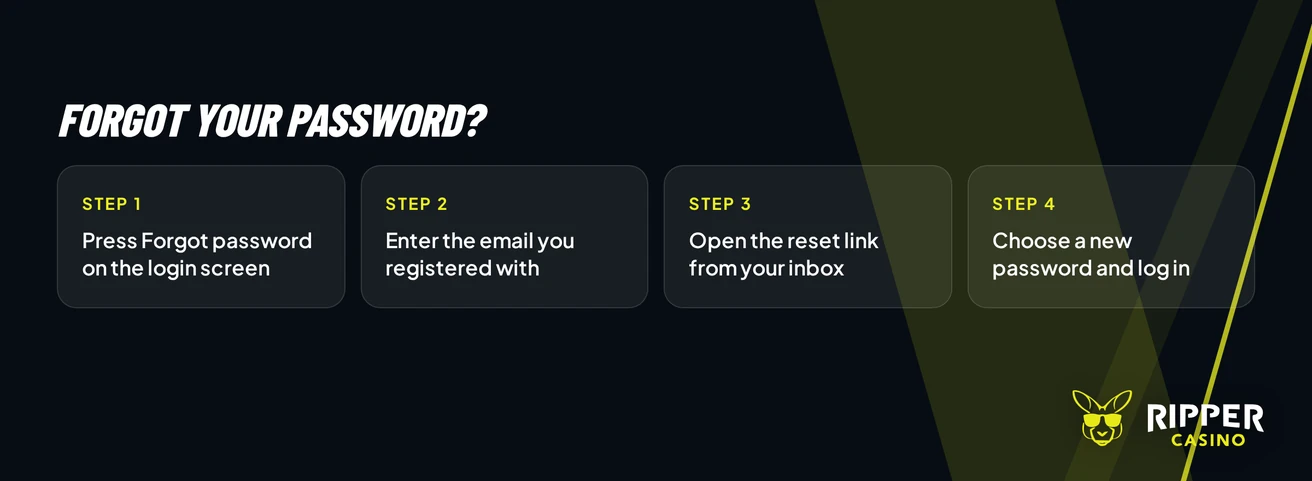
- Go to the login page and click the forgotten password link.
- Provide the email address from your registration.
- Open the email sent to that address and follow the steps inside.
- Choose a fresh password and keep it safe.
- Go back to the login page and enter your new password.
Check your spam folder if you don't see the email. Make sure you entered the right address. If it's still missing, get help from our 24/7 live chat.
Account Locked or Suspended
A locked account is not the same as a lost password. A self-exclusion lock only ends after its chosen time.
- First, confirm the account lock is not due to a password error by trying a password reset.
- Open live chat and share your email if the reset does not work.
- The support team will check your account and explain the lock.
- Do what support tells you, then try logging in again.
Ripper Casino lets you self-exclude on site. Your account stays locked until that period finishes.
| Self-Exclusion Period |
|---|
| 24 hours |
| 7 days |
| 1 month |
| 3 months |
| 6 months |
For free and confidential help with gambling concerns, contact Gambling Help Online on 1800 858 858 or visit gamblinghelponline.org.au.
KYC Verification
Identity verification is required before withdrawals. The sign-up stage itself only needs email confirmation and a self-declared date of birth. If Ripper Casino asks you to verify your identity later, deal with the request before anything else.
- Use our 24/7 live chat or send an email.
- Tell us your email and ask what documents are still needed.
- Send the files the agent asks for, using their chosen method.
- Support will review your documents. Expect an email reply within 24 hours.
- Log back in once support says verification is done.
Live chat provides a faster solution, as agents can handle follow-up questions in real time.
Logging In on Mobile
Ripper Casino does not offer a dedicated iOS or Android app. Log in via your mobile browser using the same credentials as on a computer.
| Feature | Availability |
|---|---|
| iOS app | No |
| Android app | No |
| Mobile browser access | Yes |
| Biometric login | No |
| Push notifications | No |
- Launch Safari, Chrome or another browser on your phone.
- Navigate to the Ripper Casino site.
- Select Log In and provide your email and password.
You must enter your password each time, as biometric login is not an option. Should the mobile page refresh repeatedly, clear your browser's cookies and cache using the desktop method.
Contact Support
Support assists with password reset failures, locked accounts and verification queries. Agents communicate in English.
| Channel | Availability | Language |
|---|---|---|
| Live chat | 24/7 | English |
| Replies within 24 hours | English |
Provide your registered email and detail the exact error message displayed. This helps the agent locate your account quickly and reduces delays. For urgent issues like an unresolved lock, choose live chat over email.
FAQ
Ripper Casino accepts players aged 18 and above. Keep gambling as entertainment. Set affordable limits and use the self-exclusion tools if you stop enjoying play.